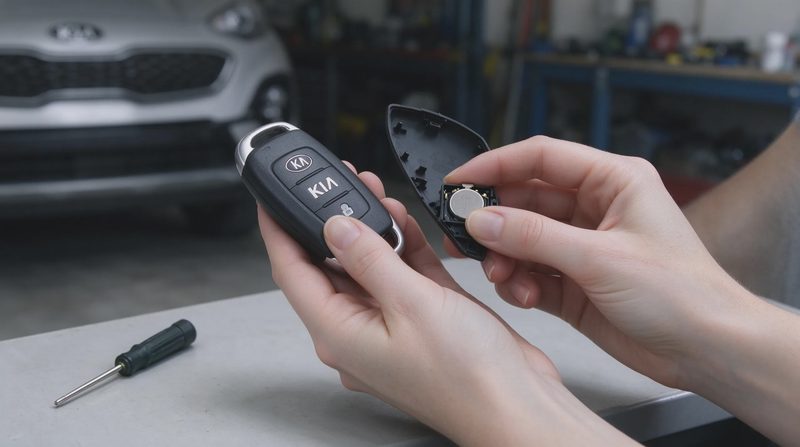
A weak key-fob battery announces itself in small ways. The range shortens. The buttons need to be pressed harder or closer to the vehicle. Eventually the fob stops commanding the locks or the remote start. Dealers will replace the battery for a modest fee, but the job itself is simple enough that most owners can finish it at home in a couple of minutes with a common coin-cell battery and a small flat tool.
This guide covers the typical process for many recent Kia fobs. Designs vary slightly by model and year, so the exact opening method and battery size should be confirmed for the specific fob in hand. The goal is a clean replacement that restores full function without damaging the fob or losing the small internal parts.
Recognize the Symptoms Early
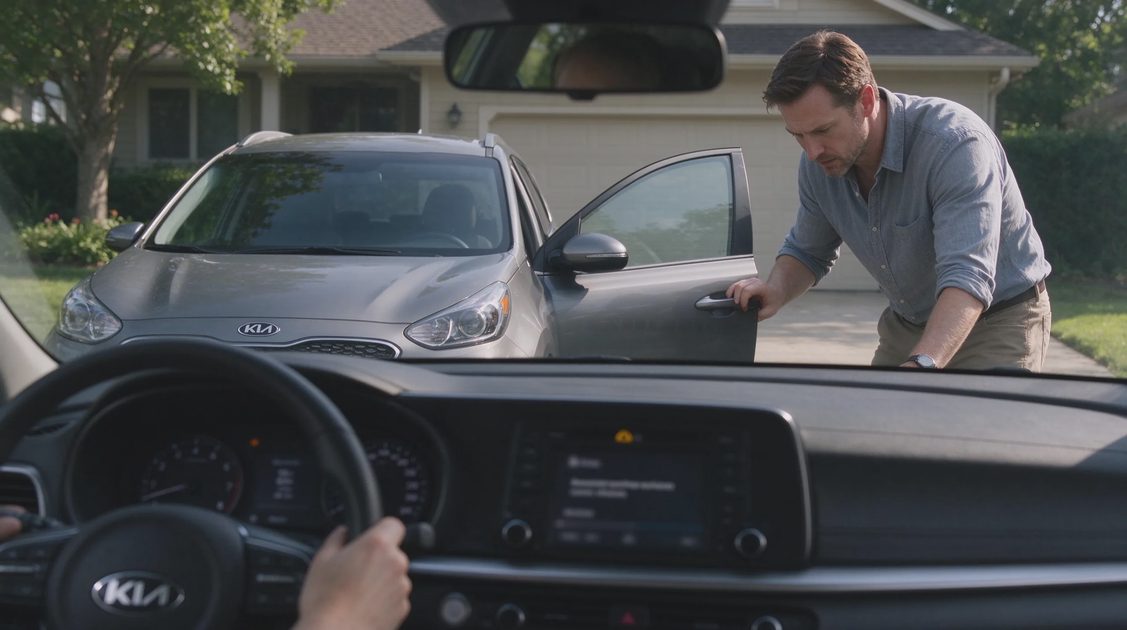
Shortened operating range is the most common early sign. A fob that once worked from across a parking lot may need to be within a few feet. Intermittent response—working one moment and failing the next—often follows. In colder weather a marginal battery can fail temporarily and then recover indoors, which confuses the diagnosis. When the fob finally stops working entirely, the vehicle can usually still be unlocked and started with the physical key blade or the backup methods described in the owner’s manual.
Replacing the battery at the first consistent signs of weakness avoids the inconvenience of a completely dead fob at an inconvenient moment. Keeping a spare battery in the glove compartment or a kitchen drawer turns the job into a two-minute interruption rather than a search for a store.
Identify the Correct Battery
Most Kia key fobs use a CR2032 coin cell. Some older or different designs use CR2025 or another size. The existing battery is marked with its type; matching that number is the safest approach. Name-brand batteries from major manufacturers tend to last longer and are less likely to leak than the cheapest no-name cells. Buy two so that a spare remains on hand.
Avoid rechargeable coin cells unless the fob is explicitly designed for them; the voltage and discharge characteristics can differ. Do not mix old and new batteries if the fob happens to use more than one cell. Matching the type printed on the original battery is the entire decision.
Gather the Minimum Tools
A small flat-head screwdriver, a plastic pry tool, or even a coin is usually enough to open the fob. Metal tools can scratch the plastic; a plastic opening tool or a wrapped coin reduces the risk. Work over a clean table or a tray so that if the battery or a small spring clips out, it does not disappear onto the floor. Good lighting helps. No special diagnostic equipment is required for a simple battery change.
If the fob has a visible screw, a matching precision screwdriver is needed. Most modern fobs open with a simple slot and pry motion rather than screws. The owner’s manual often includes a brief illustration of the opening method for the specific design.
Open the Fob Without Breaking It
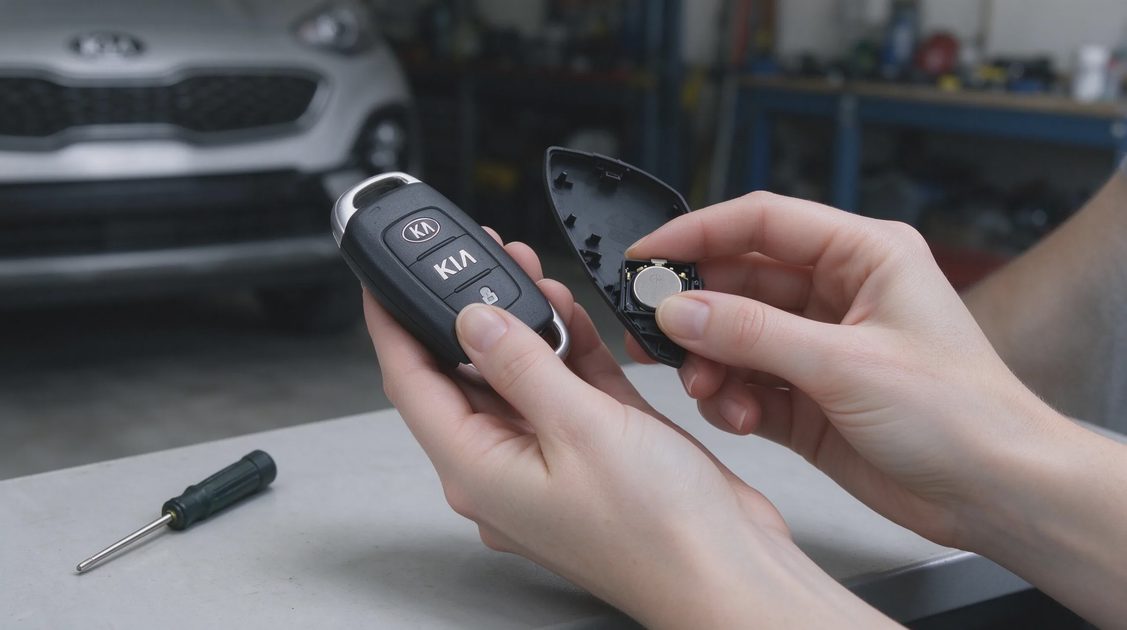
Locate the seam that divides the two halves of the fob or the small slot provided for a tool. Insert the pry tool gently and twist or lever just enough to release the plastic clips. Work around the seam if necessary rather than forcing one corner. Excessive force can crack the housing or send the internal board and buttons flying.
Once the fob is open, note the orientation of the battery and the position of any rubber gasket or button pad. Taking a quick photo with a phone before removing the battery provides a reference if the reassembly order is unclear. Set the parts out in the order they were removed.
Replace the Battery and Reassemble
Lift the old battery out. If it is held by a retainer, gently release the retainer first. Insert the new battery in the same orientation—usually with the positive side facing a marked direction or matching the position of the old cell. Ensure it sits flat and is fully seated under any clips.
Reposition any gasket or button pad exactly as it was. Align the two halves of the housing and press them together until the clips engage evenly around the perimeter. A soft click or a uniform seam indicates proper closure. If the fob feels loose or one side remains raised, open it again and check for a pinched wire or misaligned pad.
Test Immediately and Dispose of the Old Battery
Stand near the vehicle and test lock, unlock, and any remote-start or panic functions. If the fob has a led indicator, confirm that it lights with each button press. Walk a short distance and test range. Full function should return immediately with a fresh battery.
Coin cells should be recycled, not thrown in household trash. Many auto-parts stores, electronics retailers, and municipal recycling centers accept them. Keeping the old battery until the new one is confirmed working prevents the minor annoyance of a defective new cell leaving the owner with no working fob.
Common Mistakes and Simple Avoidance
The table below lists frequent errors and the straightforward ways to avoid them.
Mistake | What Usually Happens | How to Avoid It |
|---|---|---|
Wrong battery size or type | Fob does not close or does not work | Match the number printed on the old battery |
Battery installed upside down | No response from buttons | Note orientation before removal; photo helps |
Forced opening cracks the housing | Fob looks damaged or clips no longer hold | Use gentle, even pressure; plastic tool best |
Lost or pinched internal pad | Buttons feel soft or fail to register | Work over a tray; photo before disassembly |
Cheap battery fails early | Symptoms return within weeks or months | Use a major-brand CR2032 or correct type |
Old battery discarded in trash | Environmental and sometimes legal issue | Recycle at parts store or collection point |
A careful two-minute process avoids every item on the list.
When to Seek Further Help
If a new battery does not restore function, the fob itself may have a failed button, a damaged circuit board, or a programming issue. In that case a dealer or locksmith can diagnose the next step. Vehicles that support digital keys or phone-based entry provide a backup while the physical fob is sorted out. For the large majority of owners, however, a simple battery replacement returns the fob to normal service and eliminates the need for a service appointment.
Replacing a Kia key-fob battery is one of the smallest and most satisfying ownership tasks. With the correct cell, a gentle opening technique, and a quick function test, the job is finished before most people would have finished waiting at a parts counter. Keep a spare battery on hand and the next occurrence becomes even shorter.


